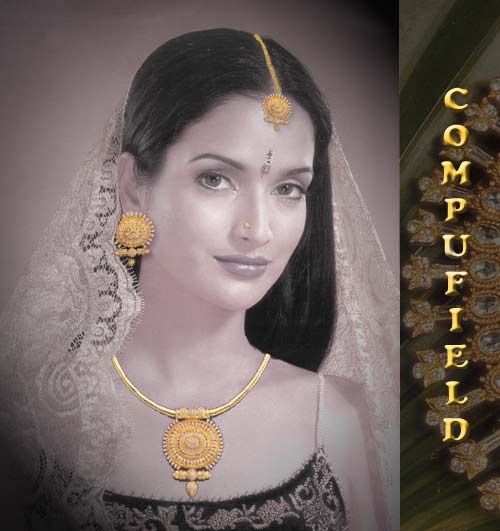
Jewellery Designing Using Photoshop
2D Jewellery Designing Using Photoshop Topic Covered |
|||||||
| In 2D Jewelery Designing we teach you CorelDraw and Photoshop | |||||||
| To see the topics covered in 2D Jewellry Designing CorelDraw click here | |||||||
| Phase I | |||||||
| 1) How to Start the Photoshop program. 2) Introduction to the Photoshop program, Menu bar & Drawing Toolbox 3) Selection Tools 4) Live Demo - Selecting Images |
|||||||
|
|||||||
| Phase II | |||||||
| 5) Drawing & painting tools 6) Image editing & manipulation 7) Working with text, rasterizing text and images 8) Working with layers 9) Live Demo - Loading a Selection and coloring the Selected Area |
|||||||
|
|||||||
| 10) Live Demo - Making a Layer (Layer Mask) | |||||||
| Phase III | |||||||
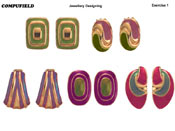
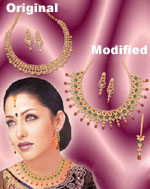
| 11) Explanation of various tools like Dodge & blur tool, Rubber Stamp & pattern stamp tool, etc 12) Working with images, channels & masks 13) Saving and loading selections 14) Using paths - Design a complete set of fashion jewellery 15) Special effects on images - use Filters to make your designs alluring - Give a flare, give a glow and put the spotlight on your design! |
|||||||
|
|||||||
| Phase IV | |||||||
| 16) 17) 18) |
Saving files with different extensions i.e. GIF, JPEG, PDF and other web supported formats Importing files from Coreldraw or any other applications Scanning images |
||||||
|
|||||||